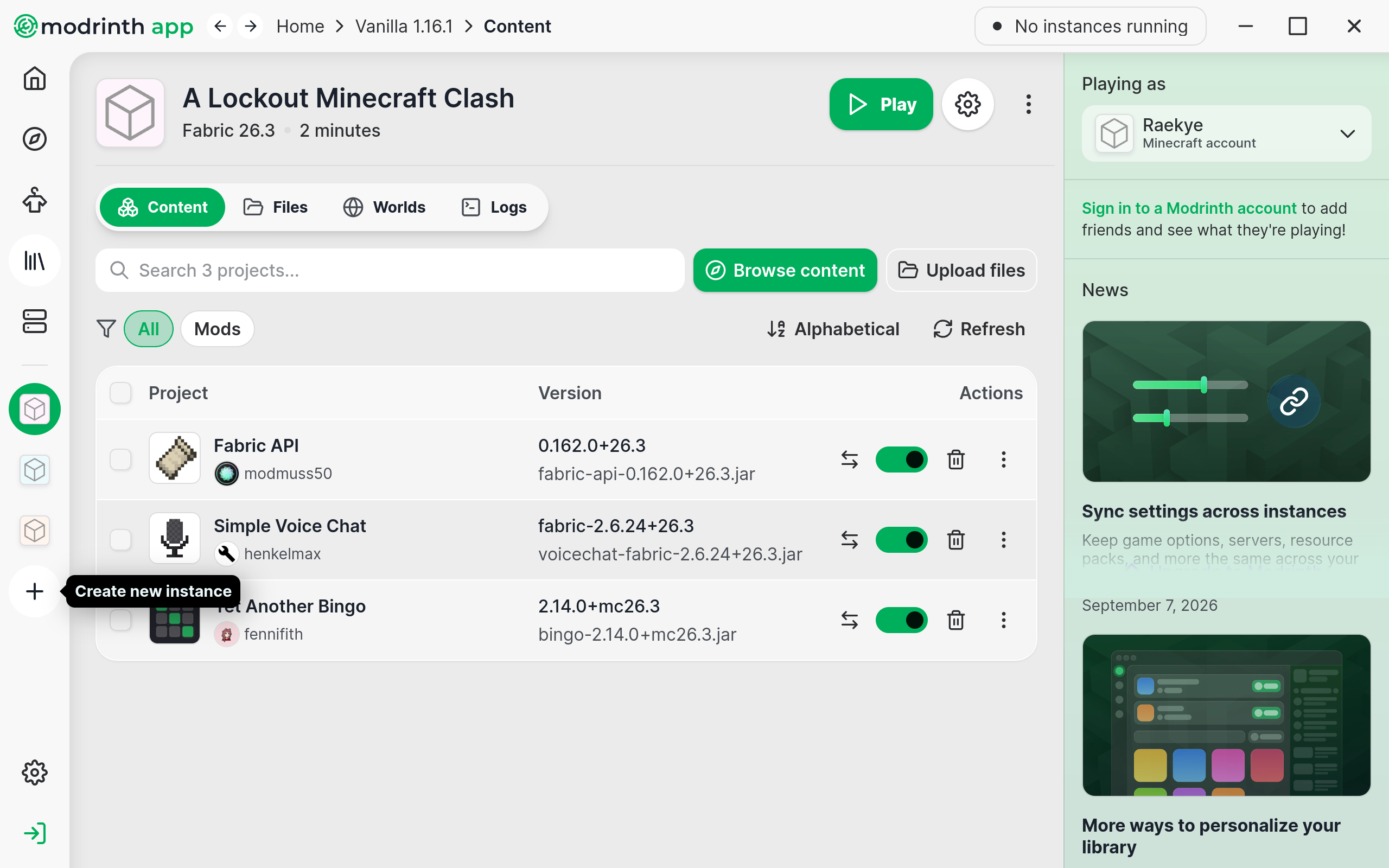
Modrinth is a 3rd party, open source Minecraft client/loader that makes having multiple Minecraft installations and installing mods easy.
Note: You shouldn't need a Modrinth account. Just log in with your Mojang/Microsoft account after downloading and launching Modrinth.
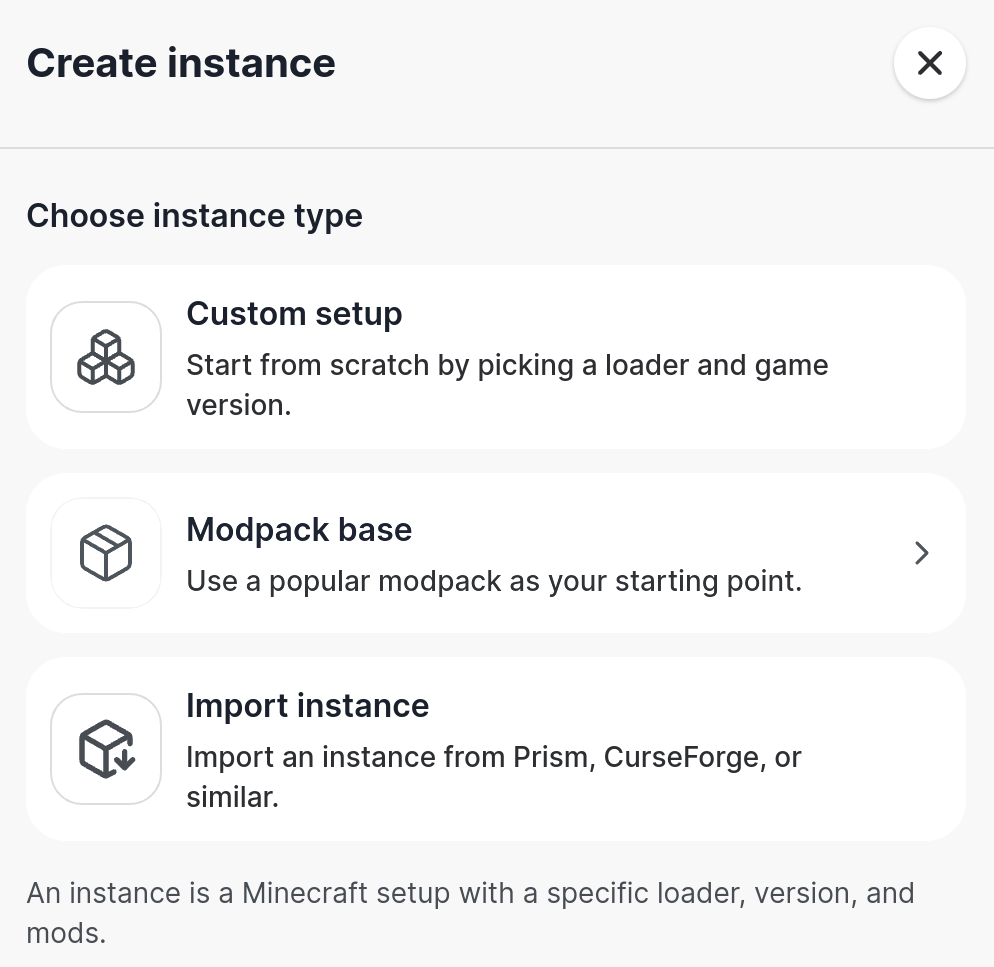
In Modrinth, create a new instance with the plus icon on the left sidebar.
Choose "Modpack base", "Import modpack", and select the modpack file you downloaded earlier.
Launch with the green "Play" near the top right. In game, you can configure your usual settings.
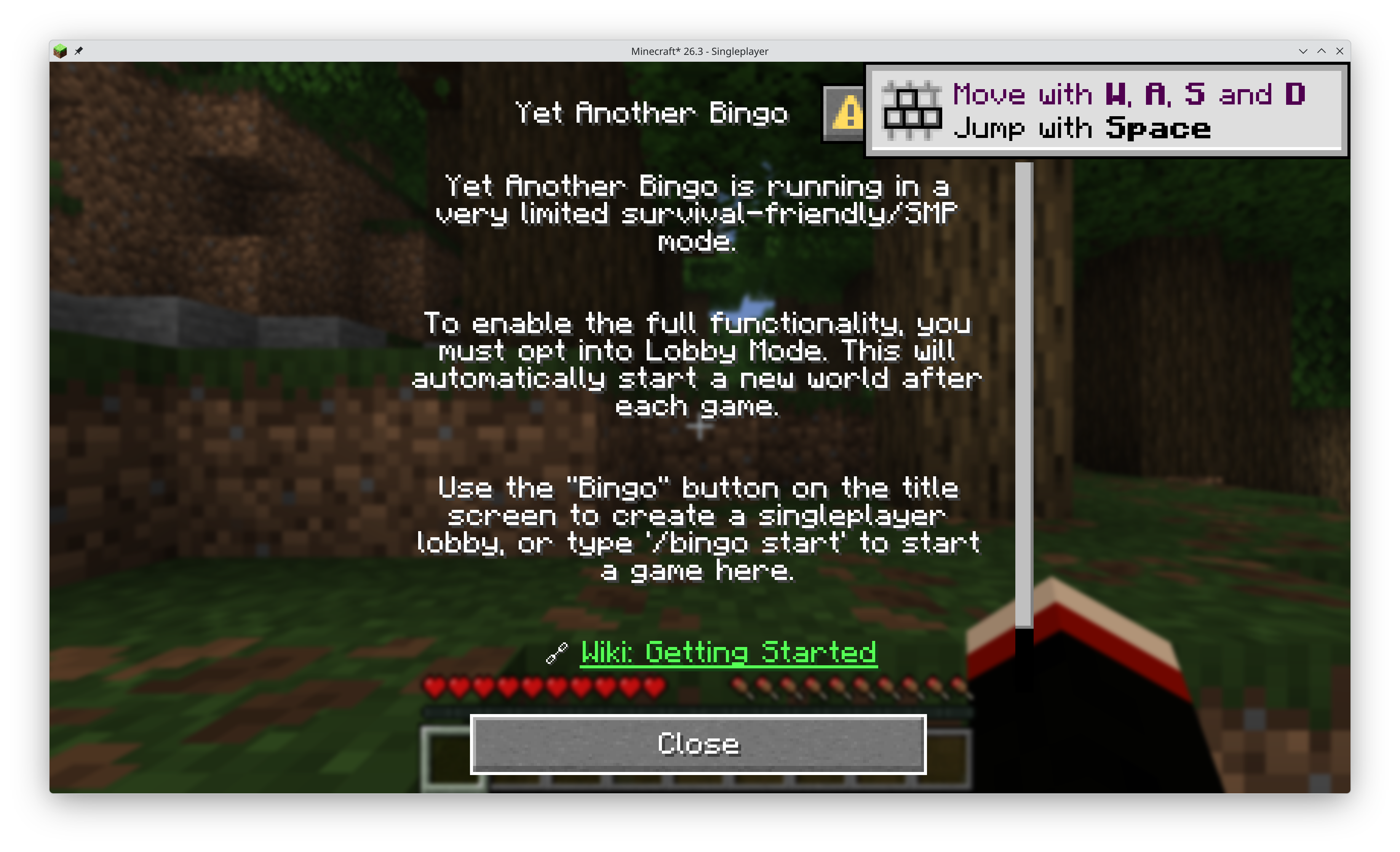
If you create a single player world, you should see an info screen for Yet Another Minecraft Bingo.
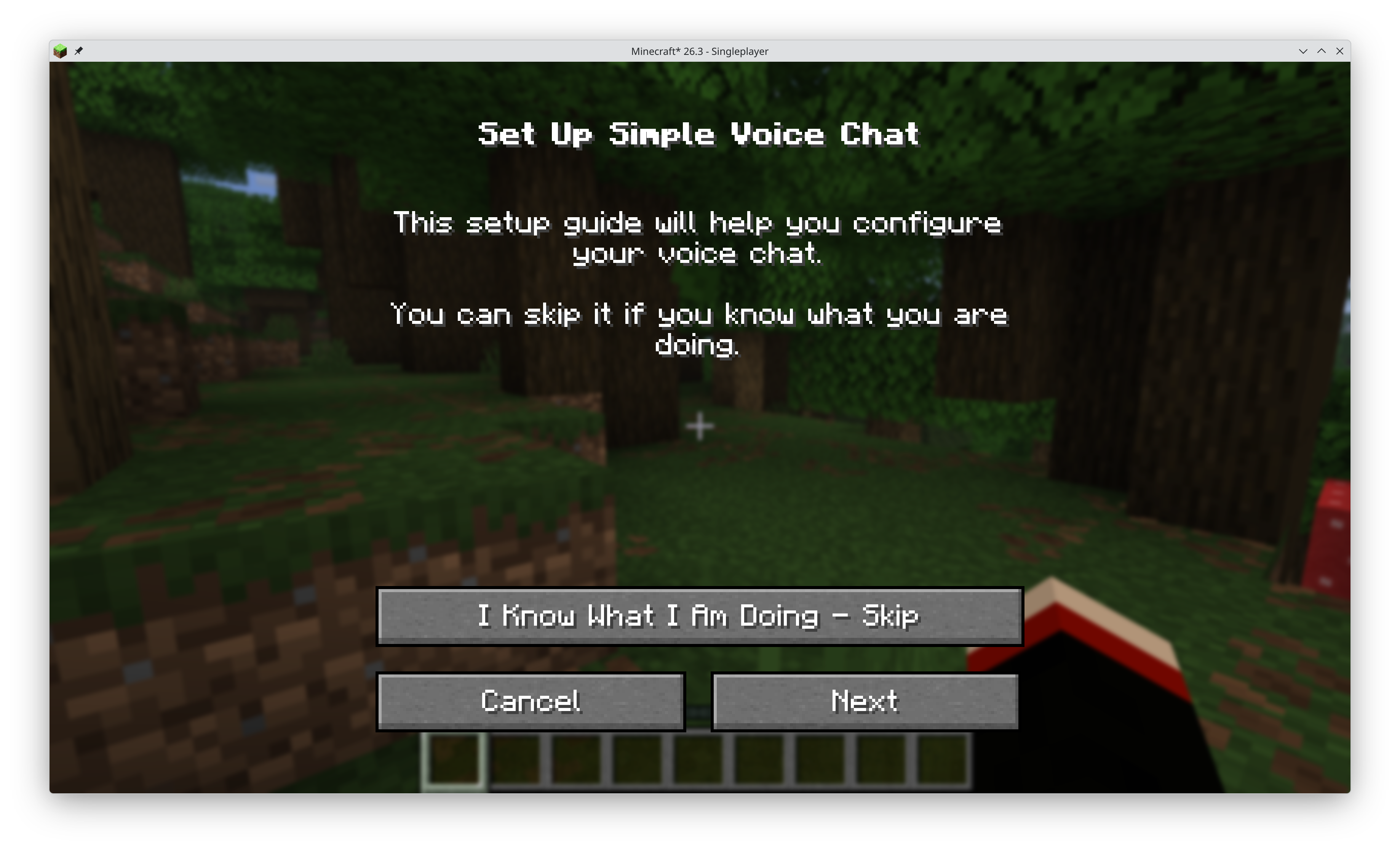
The default keybind V opens the Simple Voice Chat GUI. The first time will take you through setup. If you're unsure just leave everything at its default.
You can change keybinds for Bingo and Voice Chat at the bottom of the usual "Options" -> "Controls" -> "Keybinds" menu.